
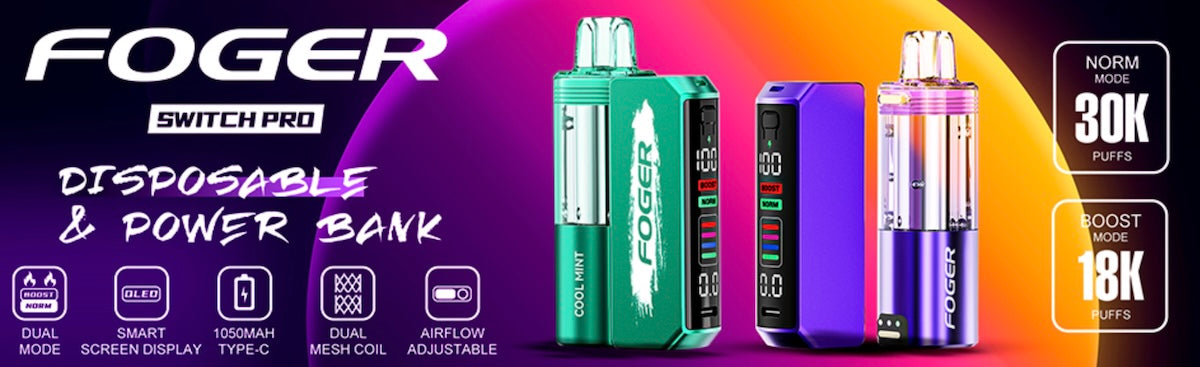
Recently, several companies have toyed with the idea of creating a vaping device that behaves like a hybrid of a disposable vape and a pod system. We’ve seen that idea manifest itself in several forms. The Off Stamp system has a removable “pod” that also acts as a standalone device. The Geek Bar Digiflavor BRK, on the other hand, behaves more like a traditional pod system with enormous pods. The Foger Switch Pro is more like the Off Stamp vape in that the package includes both a standalone vape and a charging dock.
The difference between the Foger Switch Pro and the Off Stamp vape, though, is that the Foger vape gives you more of everything – more features, a larger e-liquid pod with a window and much better battery life. So, is the Foger vape a disposable vape, or is it a pod system? Either way, it’s one of the most advanced vapes that’s ever been released in either category – and in this review, we’re going to tell you everything you need to know about it.
View the Foger Switch Pro now. The package costs just $15.49 and includes a pre-filled vape as well as a charging dock. You can keep the dock and use it to charge your future devices. Foger Switch pods cost $11.99 each.
How Much Does the Foger Switch Pro Cost?
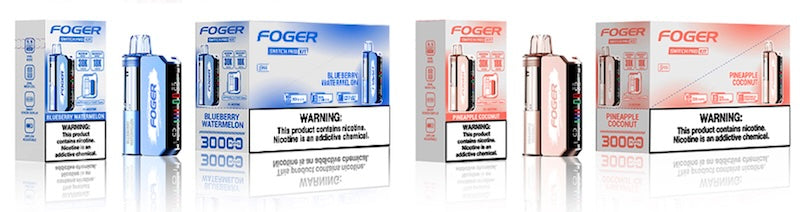
The price of the Foger Switch Pro kit is $15.49. The kit includes one pre-filled vape and one charging dock. The dock is required to charge the device, so you’ll want to start with the kit. Replacement devices cost $11.99. You can keep the charging dock and save money in the future by buying the devices on their own. If you’ve had difficulty finding Foger vapes near you, you’ll be glad to know that we have the full flavor selection right here at VapeJuice.com, and we deliver orders in an average of just 2-5 business days.
How Does the Foger Switch Pro Work?
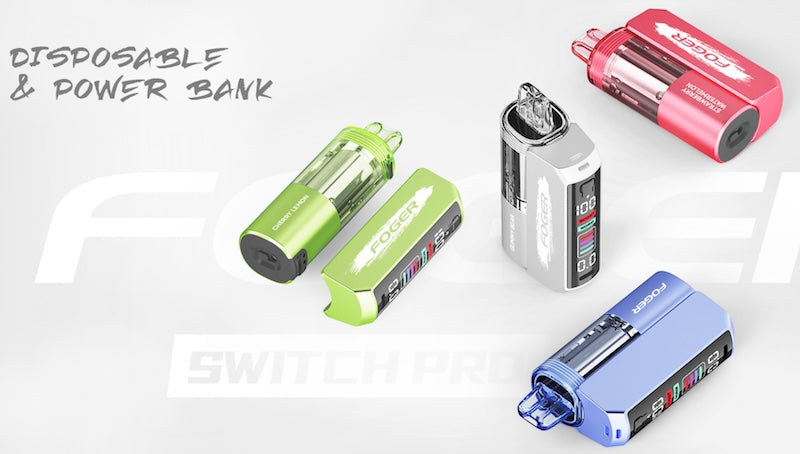
Foger refers to the Switch Pro device as a “pod” in their marketing language, which might be a little confusing because the Switch Pro isn’t a traditional pod system. Unlike with most pod vapes, the “pod” is a standalone vaping device that works with or without the charging dock connected. You can keep the dock connected at all times for maximum battery life, or you can just use the dock when you need to charge the device; the choice is yours.
The Switch Pro device attaches to the dock magnetically, and the dock charges the device as soon as you connect it. The dock has a USB-C port for charging, but the device doesn’t have its own charging port. It only charges through the dock.
The device has its own built-in battery with a capacity of 200 mAh, so it’ll give you a good number of puffs on its own before you’ll need to recharge it.
Foger Switch Pro: Specifications and Features
Specs
- Device Type: Disposable vape with separate charging dock
- E-Liquid Capacity: 19 ml (up to 30,000 puffs advertised)
- Battery Capacity: 1,050 mAh (850 mAh charging dock / 200 mAh device)
- Firing Style: Automatic puff-based firing
- Vaping Modes Supported: Single coil (up to 30,000 puffs) and dual coil (up to 18,000 puffs); can switch modes by pressing a button at the top of the display
- Smart Display: Yes; display shows the battery’s status, the current vaping mode and the duration of the last puff
- Adjustable Airflow: Yes; airflow is adjustable via a sliding tab on the bottom of the device
Features
We’ve already provided a basic overview of how the Foger Switch Pro works. It’s a disposable vape with two components: a pre-filled vape and a separate magnetic dock that charges the vape. That’s obviously the most distinctive feature of this device, but the Switch Pro isn’t the first vape with this design. Here’s what makes it stand out compared to other vapes like the Off Stamp system.
- Unlike most disposable vapes, it uses a tank with a transparent exterior for e-liquid storage. There’s never any question as to how much vape juice is left because you can just look at the tank. Most disposable vapes, in contrast, are opaque on the outside.
- The tank is huge. The Off Stamp SW9000 pioneered this type of design, but that device only contains 13 ml of e-liquid. The Foger Switch Pro, in contrast, has 19 ml. It’ll feel like even more than that in practice because the tank-based design allows you to use every drop of vape juice. A traditional disposable vape stores its e-liquid in a reservoir stuffed with a wick. Although the wick-based design has benefits, some of the vape juice is always wasted.
- The battery capacity is great. Between the 200 mAh device and the 850 mAh charging dock, you’ll be using the Foger Switch Pro for quite a long time before you’ll need to reach for a USB cable.
- The charging dock has pass-through functionality, which means that you can use the Foger Switch Pro while a charging cable is attached.
- The dual-coil configuration is something that other vapes with this design – such as the Off Stamp system – don’t offer. This allows you to choose between the standard vaping mode and a higher-power mode if you need a more intense experience.
- The fact that it has a smart display also makes the Foger Switch Pro stand out from the Off Stamp system, which uses simple indicator lights instead. The display conveys the current status of the battery and also lets you know which vaping mode you’re currently using. The puff timer is an additional useful feature that you might find handy if you’re trying to monitor your intake.
- The design of the Foger Switch Pro is absolutely spectacular. It looks a bit like a traditional vape mod, but there isn’t a mod in the world that looks this sleek. You also won’t find a vape mod in the world with a 19 ml tank. With features like these, it’s no wonder that so many vapers have switched from mods to disposables.
How to Maintain the Foger Switch Pro
Here in the VapeJuice.com lab, we’ve found the Foger Switch Pro to be an extremely reliable vape and have been happily puffing on our units with no issues. The Switch Pro has a fairly unique design, though, so there are a couple of things that you need to know about maintaining the device and keeping it working its best.
Maintaining Good Charging Performance
The Foger Switch Pro has a charging system that’s much more complex than other disposable vapes because there are two points of contact rather than one. The dock charges through a USB port, and the device charges through three metal connectors at the base. This creates additional potential points of failure compared to a traditional disposable vape. Here’s how to solve any issues that might occur.
- Dock isn’t charging via USB: Try a different USB cable. Make sure that the charging port is clean and remove any lint or other debris with a toothpick. Try charging the dock through a different computer. Don’t use a USB wall adapter for a PC or phone.
- Device isn’t charging via the dock: Make sure that the contact points at the base of the device and dock are clean. If you see any oxidation on the metal, try rubbing it with a pencil eraser to remove it. Push gently on the pins at the base of the dock to make sure that they bounce back and aren’t stuck.
Preventing Leaks
Because the Foger Switch Pro uses a tank system rather than a reservoir stuffed with a wick, it could leak if you store it on its side for an extended period. Store the device upright if you won’t be using it for a while. Also, be careful about the amount of air pressure that you use when puffing on the device. If you hear a gurgling noise, you’re probably puffing too hard.
Foger Switch Pro Review: Our Expert Perspective
The unique design of the Off Stamp vape has given it plenty of fans in the vaping community. People love the two-part design, and they also appreciate how slim and light the device feels when the dock isn’t connected. We think that a lot of those people are probably going to end up converting to the Foger vape, though, because the Switch Pro immediately makes Off Stamp’s system look obsolete. From the smart display to the enormous tank-based e-liquid storage, the Foger Switch Pro does so many things right that it’s hard to imagine it not becoming one of the most popular disposable vapes on the market in short order.
Best Points
- Lasts a very long time thanks to the 19 ml capacity – and with a tank-based design, you don’t have to waste a drop
- First two-part disposable vape with a smart screen to let you know what’s going on
- Has a dual-coil design and offers two selectable vaping modes
Could Be Improved
- Main device is still a traditional disposable vape with a non-removable battery, so it’s not intended for disposal with regular waste